How it works
From your trade and patch to a shortlist of relevant tenders, with the reasons shown.
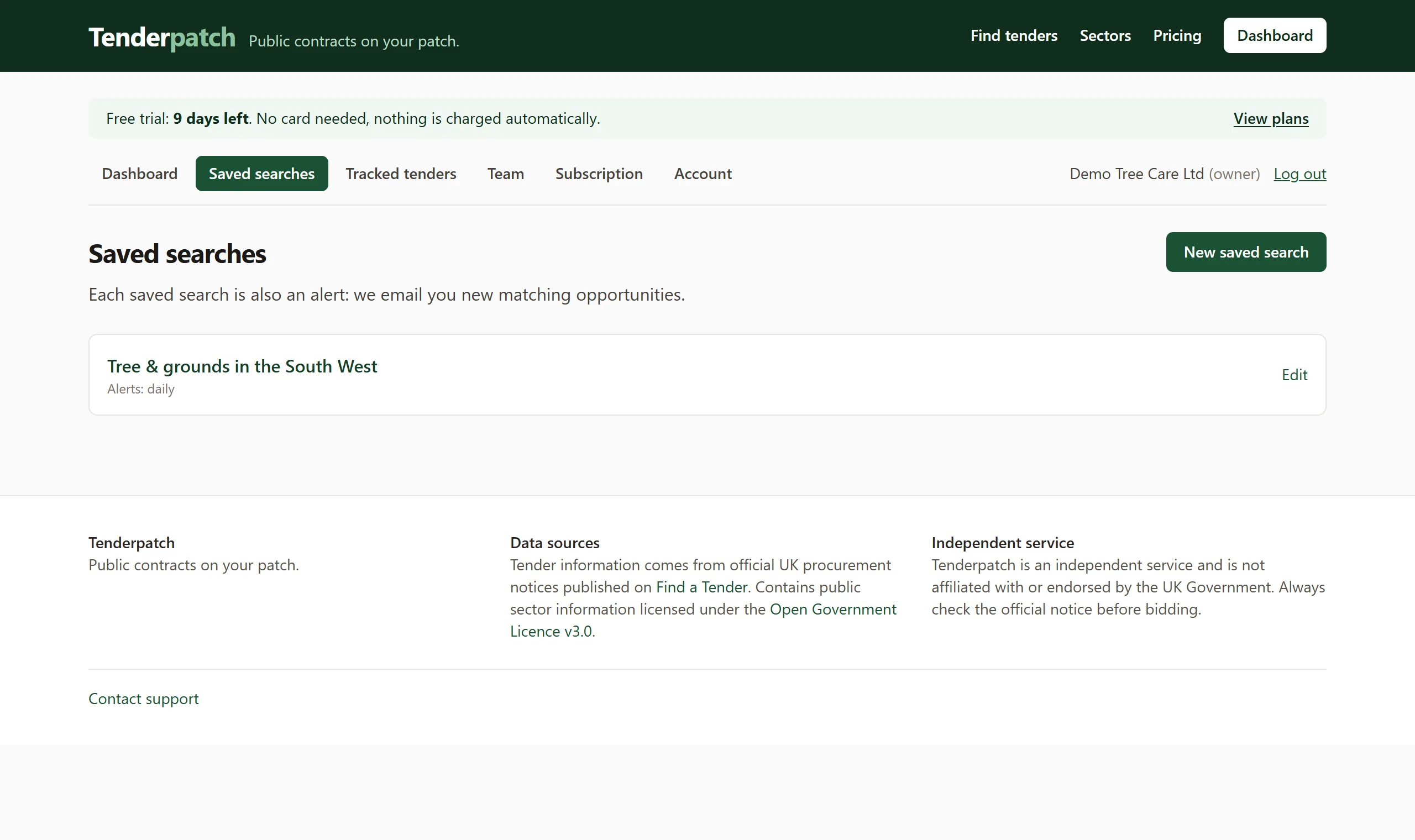
Tell us your trade and your patch
Choose the sectors you work in (grounds maintenance, landscaping, arboriculture, tree surgery) and the councils or regions you cover. Save up to 10 searches, for example one per service line or one per depot.
We read the official notices and show our reasoning
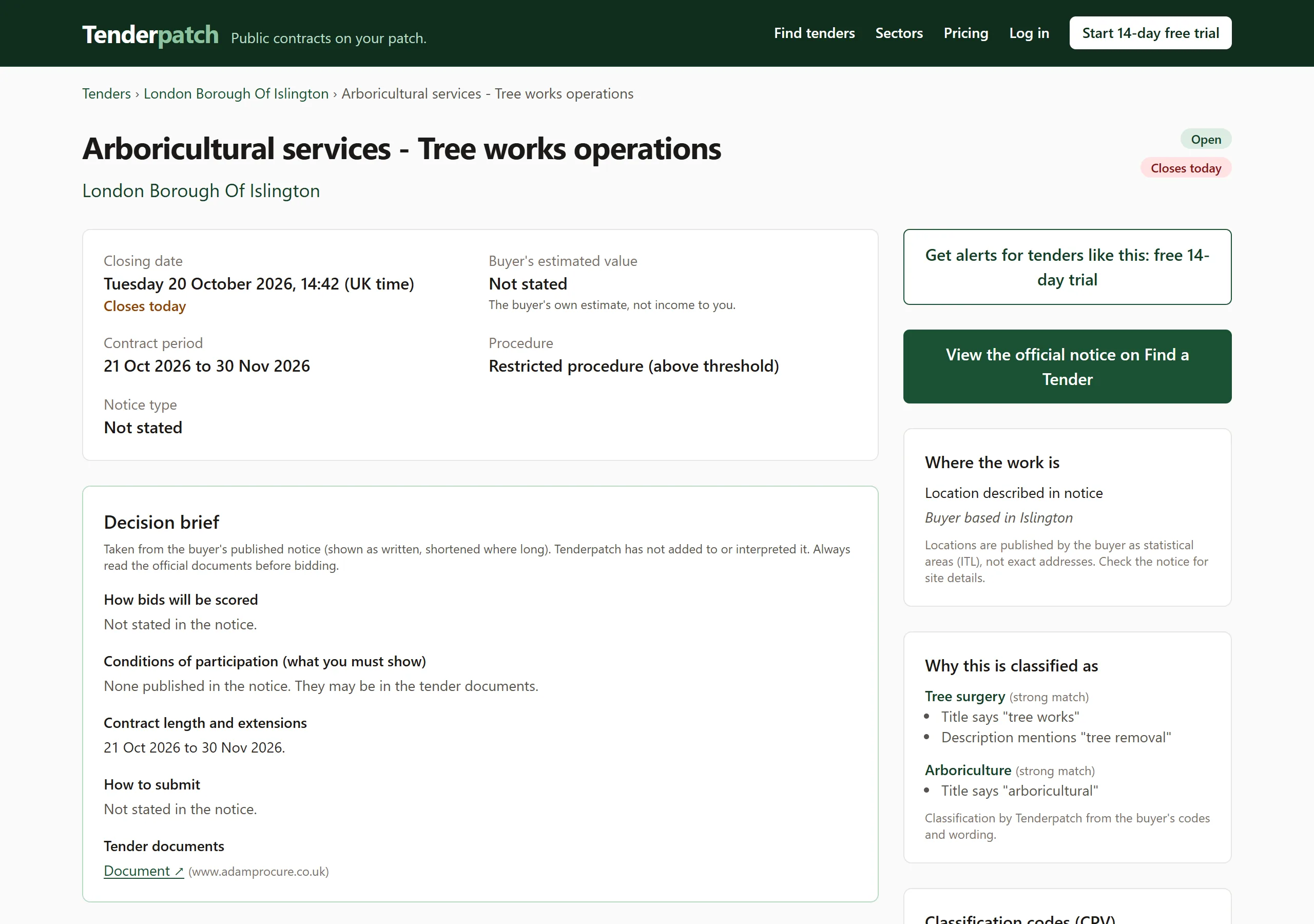
Tenderpatch reads new and changed notices automatically. Each tender is sorted by trade using the buyer's own codes and wording, and the page says why: for example, "Title says tree works".
The buyer's published information is shown as written. We do not add to it or interpret it.
Decide, track, and stay informed
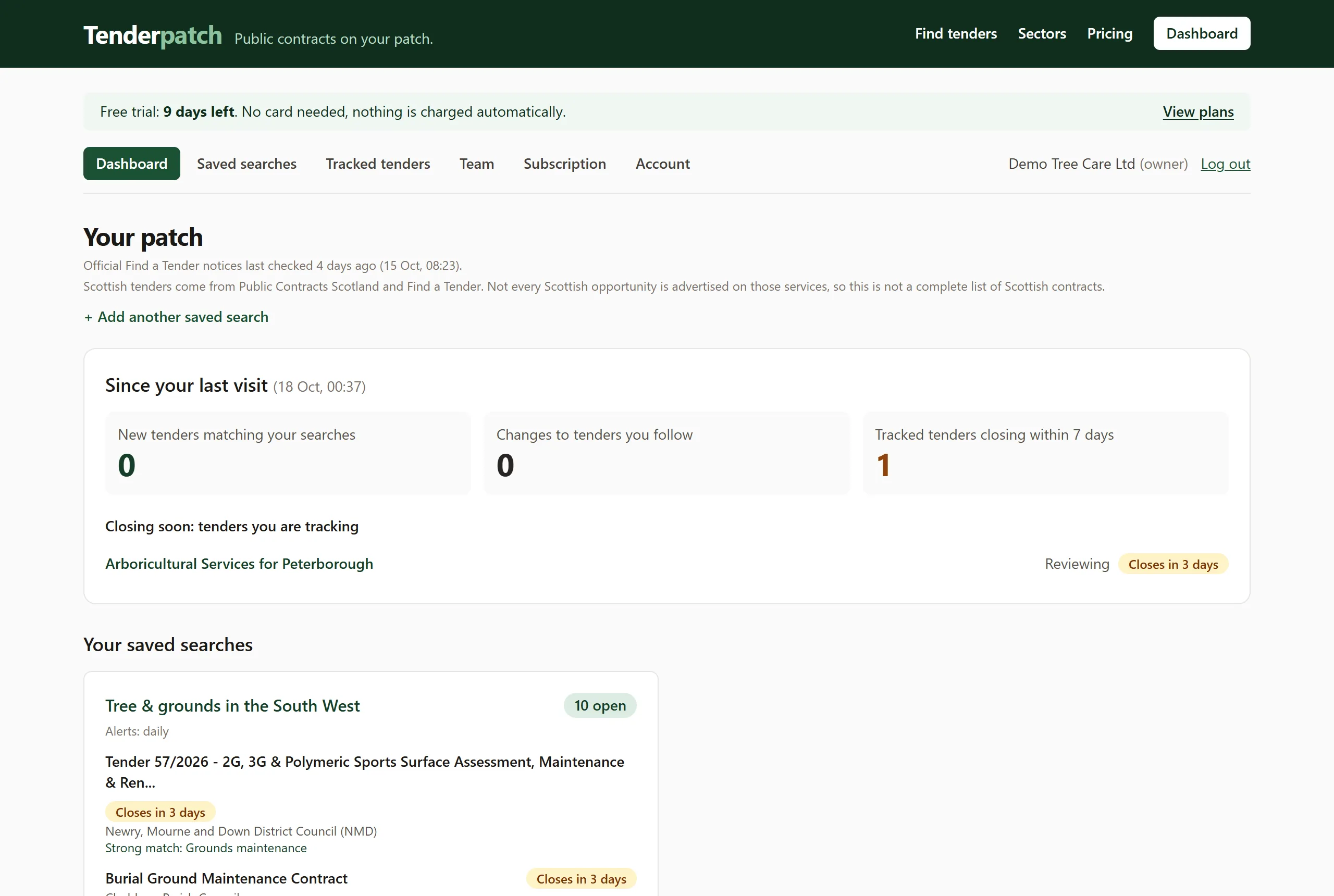
Check the buyer, the closing date and the original notice, then track the bids you care about with a status, notes and an owner. Closing dates that move and tenders that are cancelled are flagged for tenders you follow, and a daily or weekly digest tells you what is new. No email on quiet days.
What to expect from the data
- Notices come from official UK procurement sources, and every page shows when they were last checked.
- Locations are published by buyers as statistical areas, not exact addresses, so we label how precise each match is.
- Some notices give no closing date. They are shown as "deadline not stated", never as "closing soon".
- Always read the official notice and documents before you bid.
See the tenders on your patch
Start your 14-day free trial. No card is needed and nothing is charged automatically.